A really fun terminal experience
An extremely nano terminal experience for Python, built on ratatui.
xnano
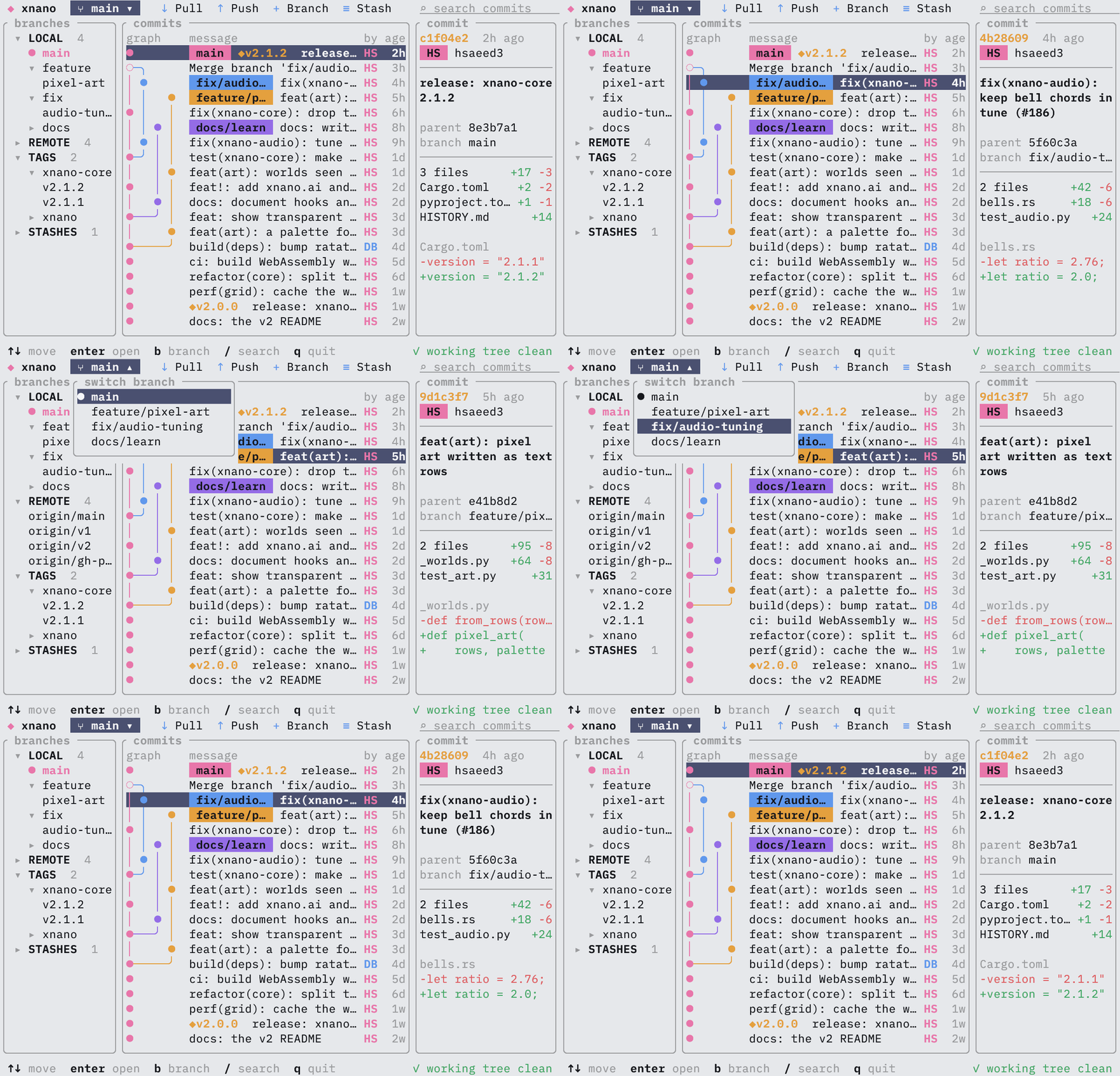
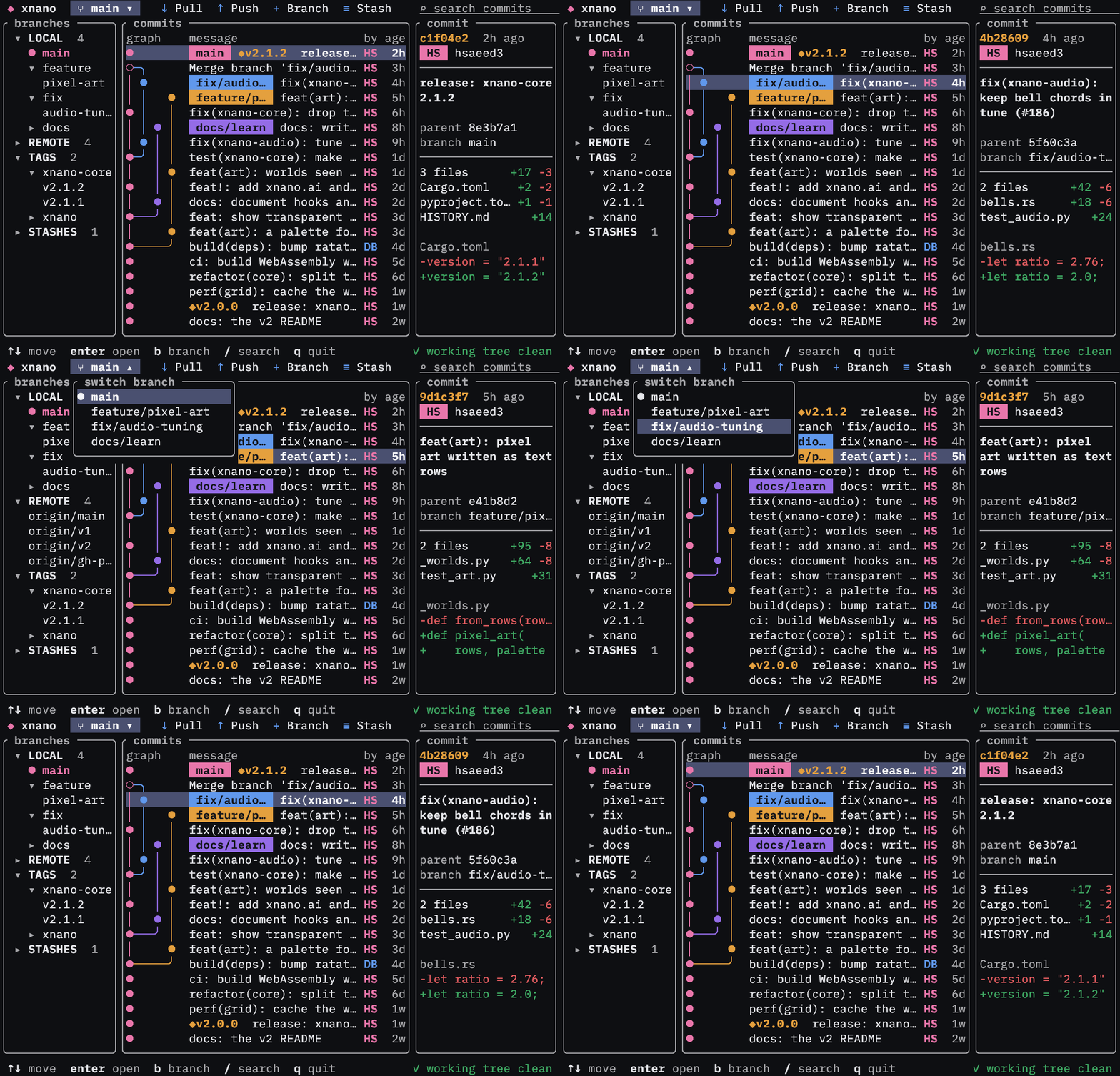
Composable
xnano is built on ratatui's layout and widget system, and provides an expressive API for composing the content displayed to the terminal.
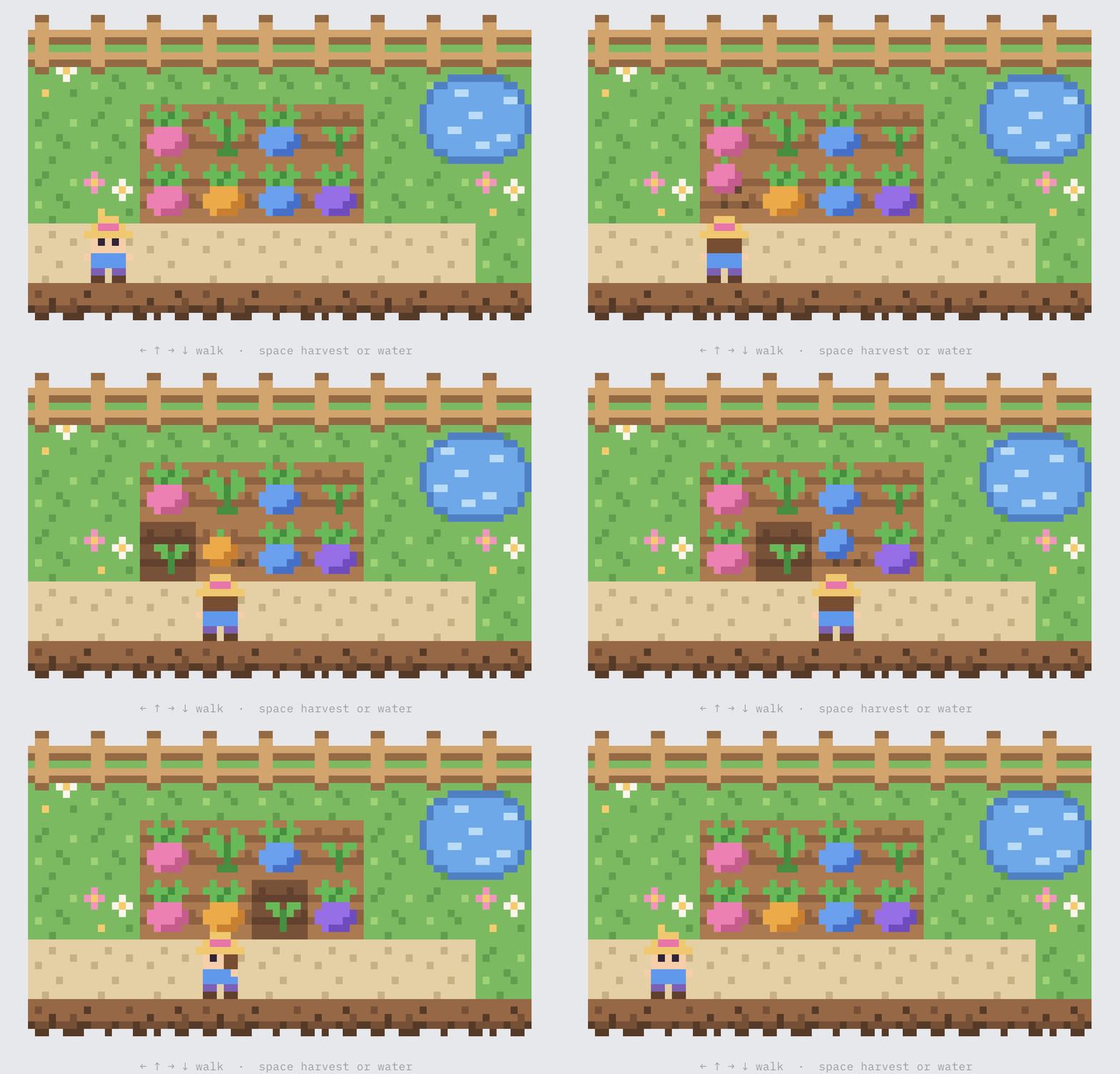
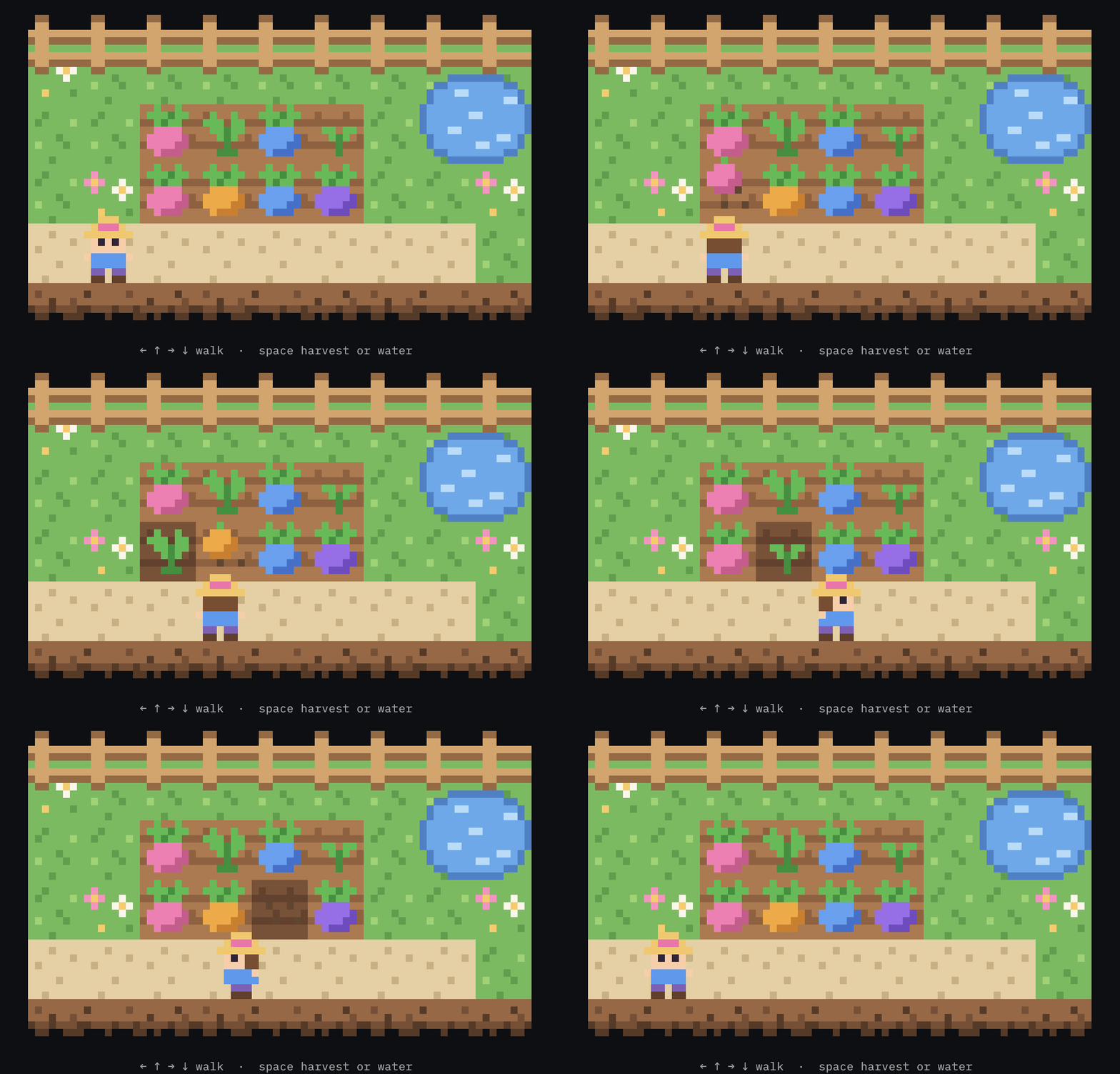
Reactive
Create reactive components that respond to user input, time, and other factors at the speed you can think of them.
Audio Support
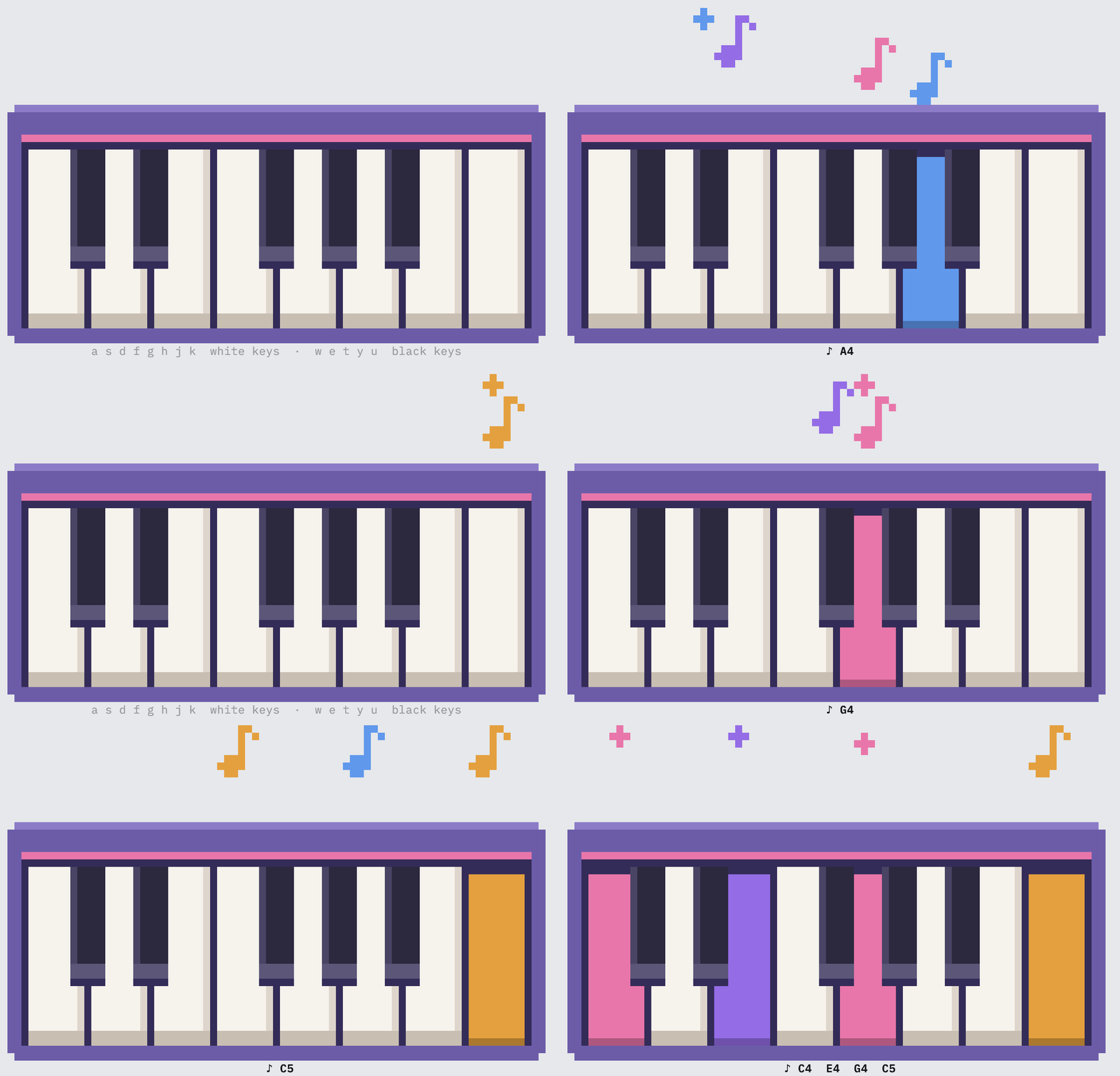
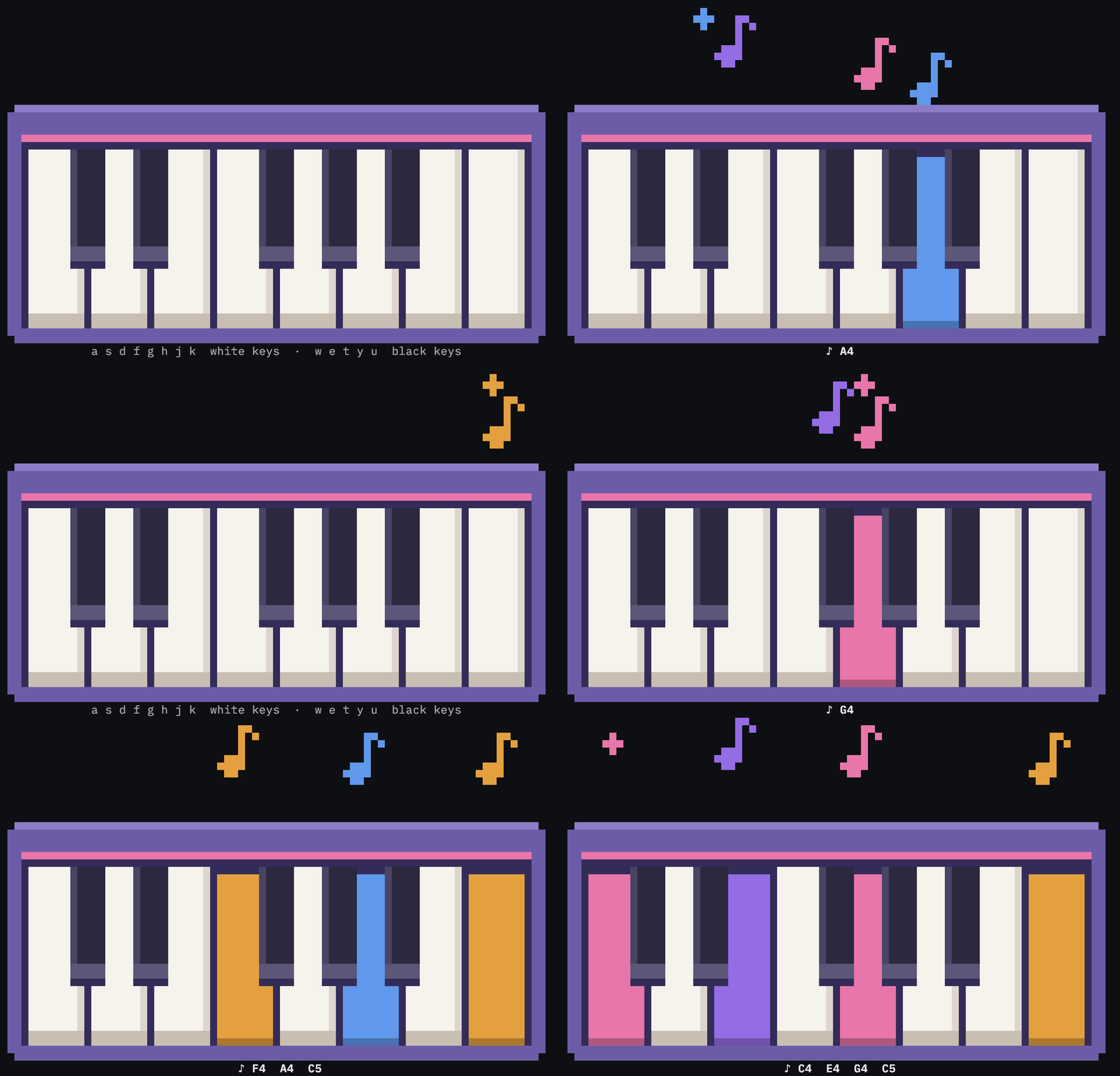
xnano treats audio content as a first-class citizen, with the ability to synthesize music with MIDI patterns, play back audio files, and capture microphone input. It can even generate sound effects in real time.
Effects
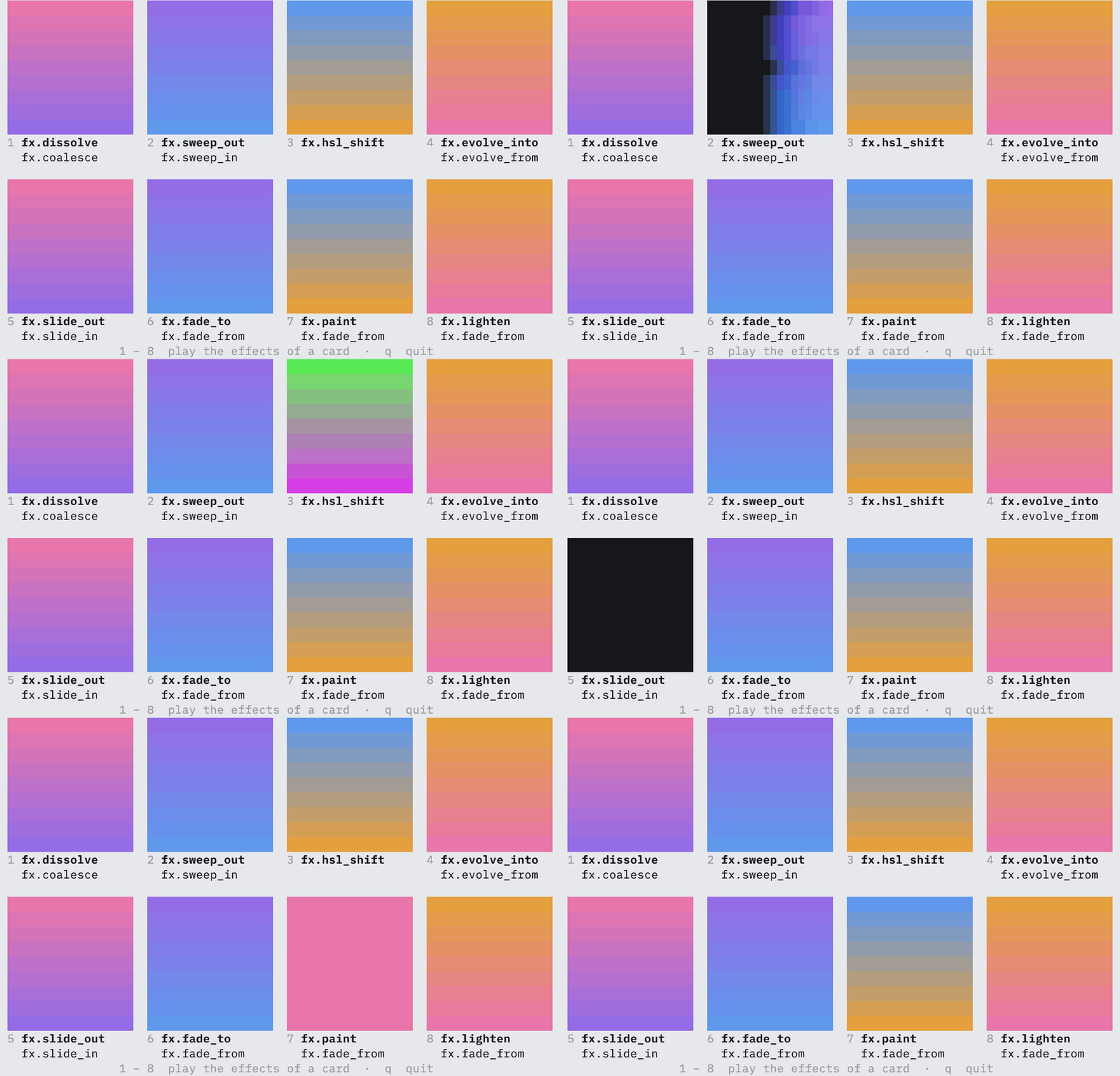
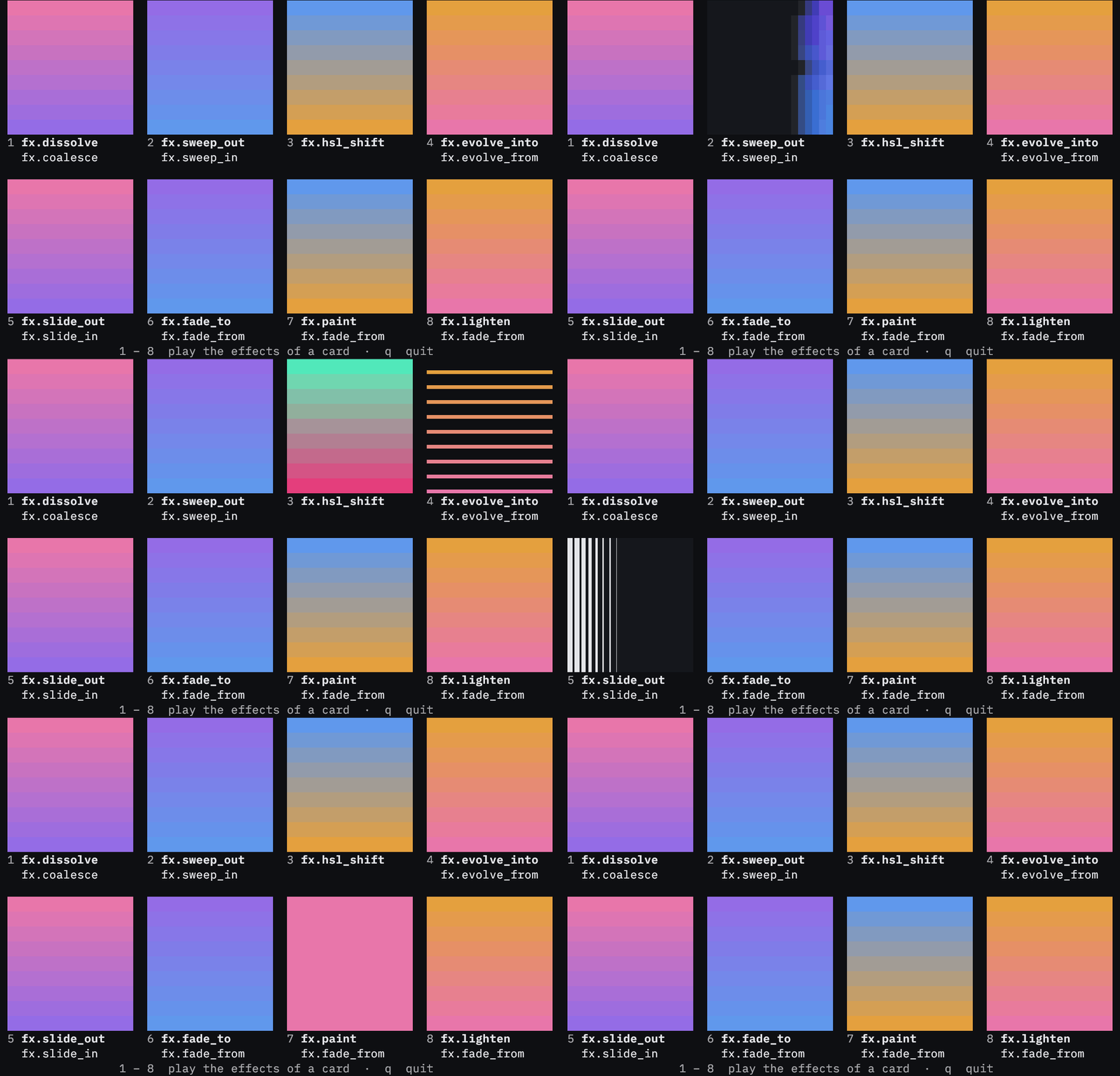
Anything on screen can dissolve, sweep, slide, fade or shift its colors with tachyonfx's effects, each started by name with placement.fx. Sounds take effects such as reverb and delay the same way.
AI Native
xnano.ai lets models read the canvas and answer in xnano values: choices, verdicts, text, pixel art, widgets and melodies, and gives any pydantic-ai agent tools to see and change it. Code a model writes runs in a sandbox that can draw on the canvas but cannot reach files, the network or the rest of your program.
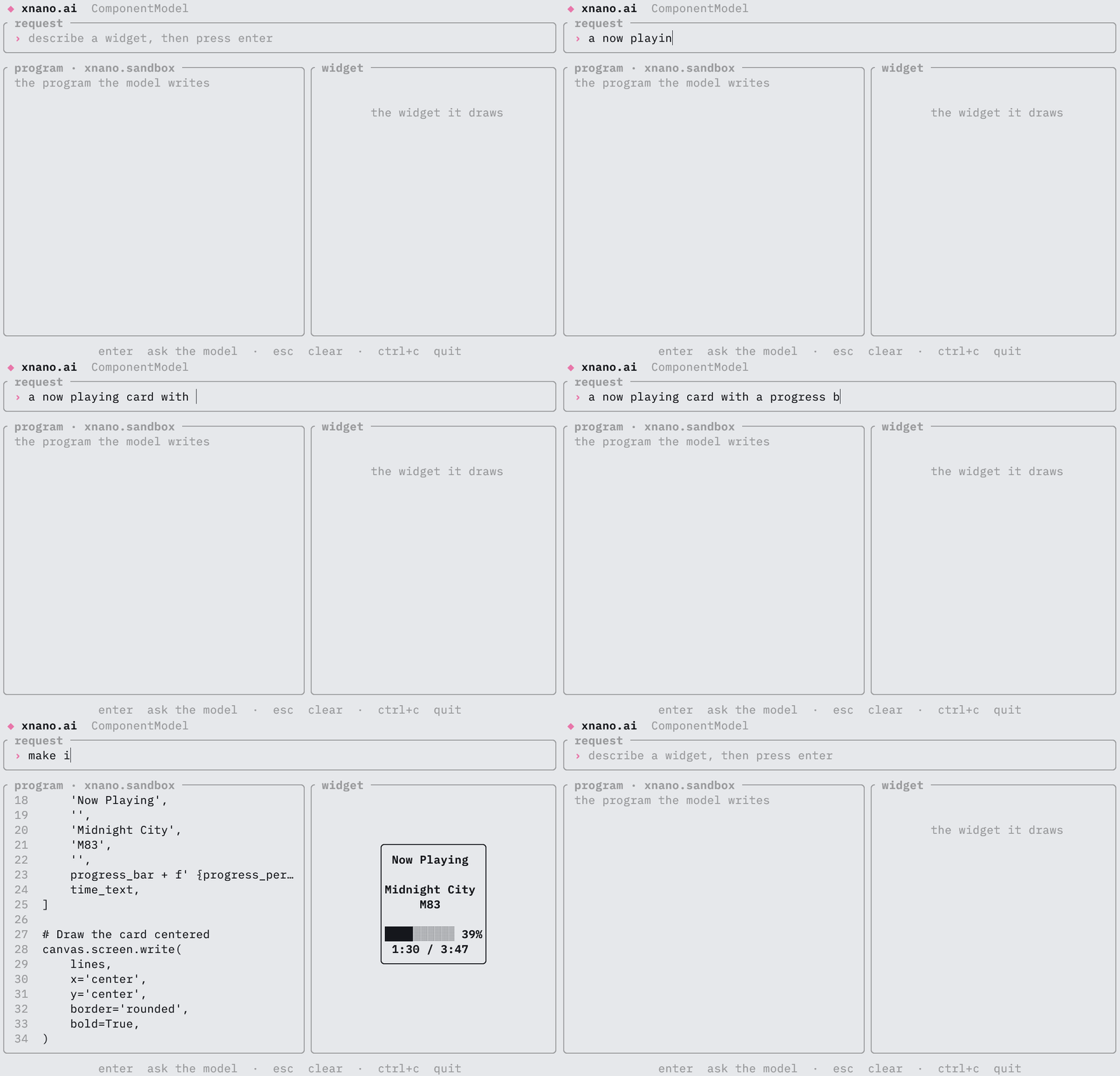
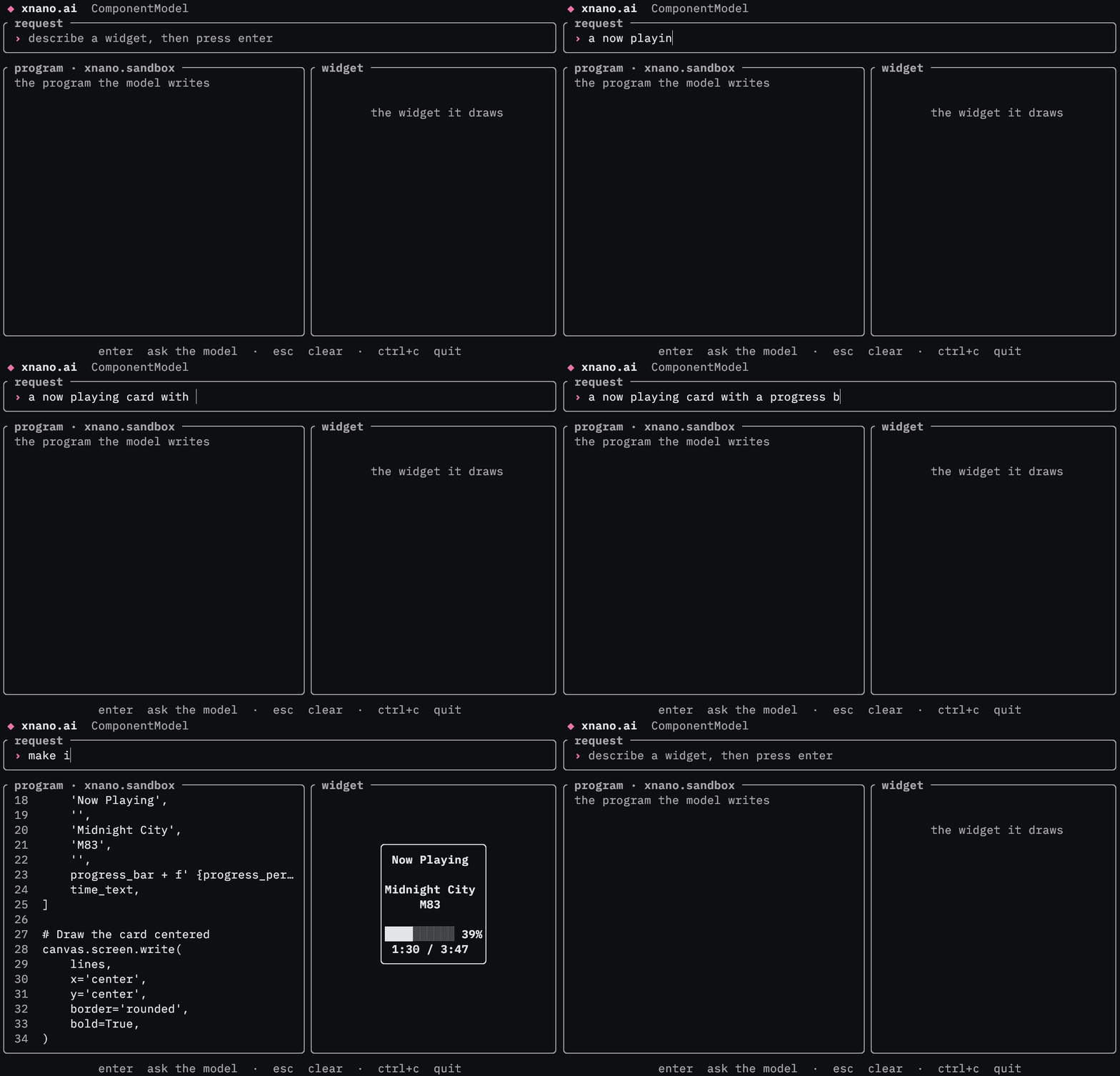
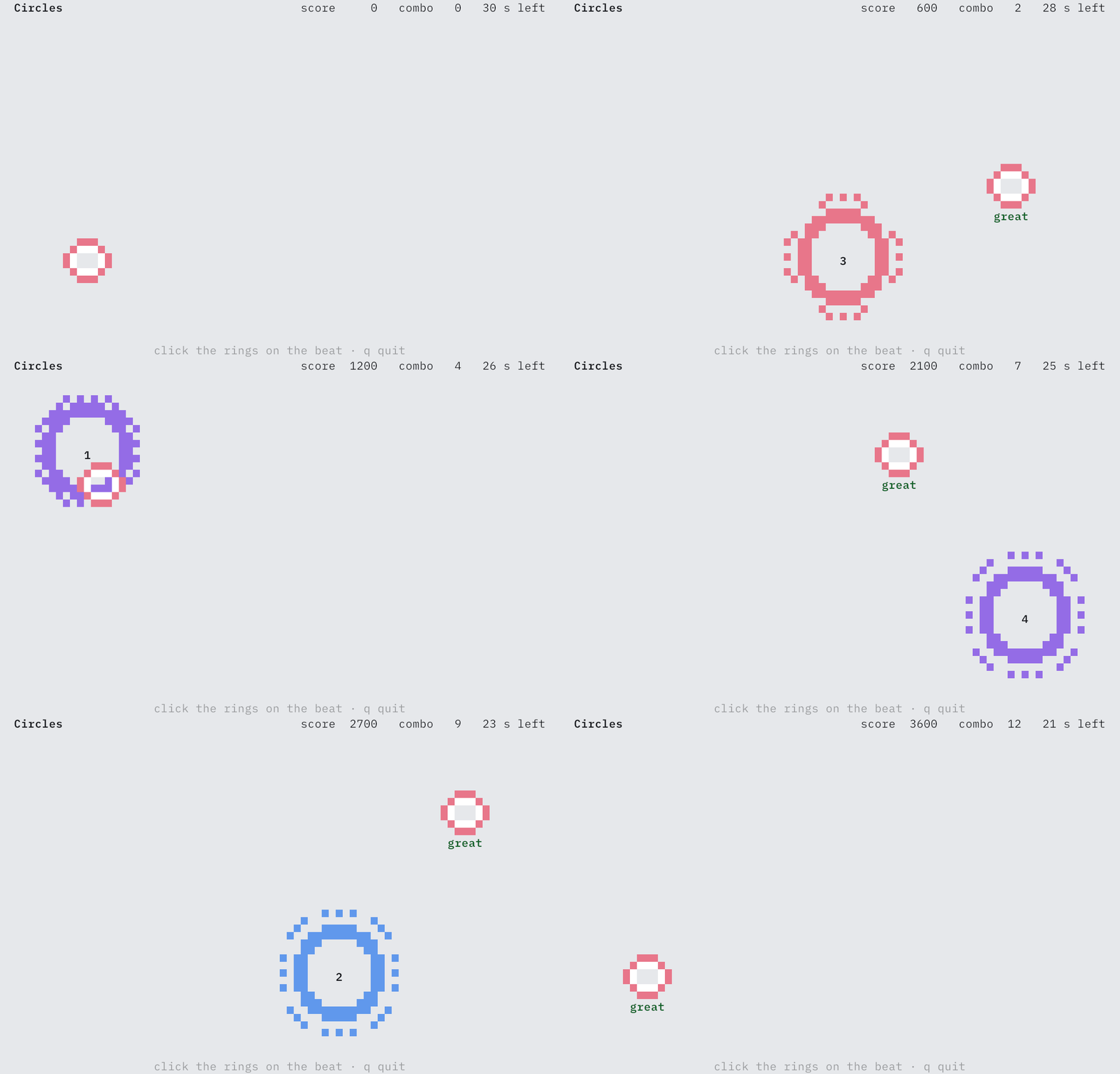
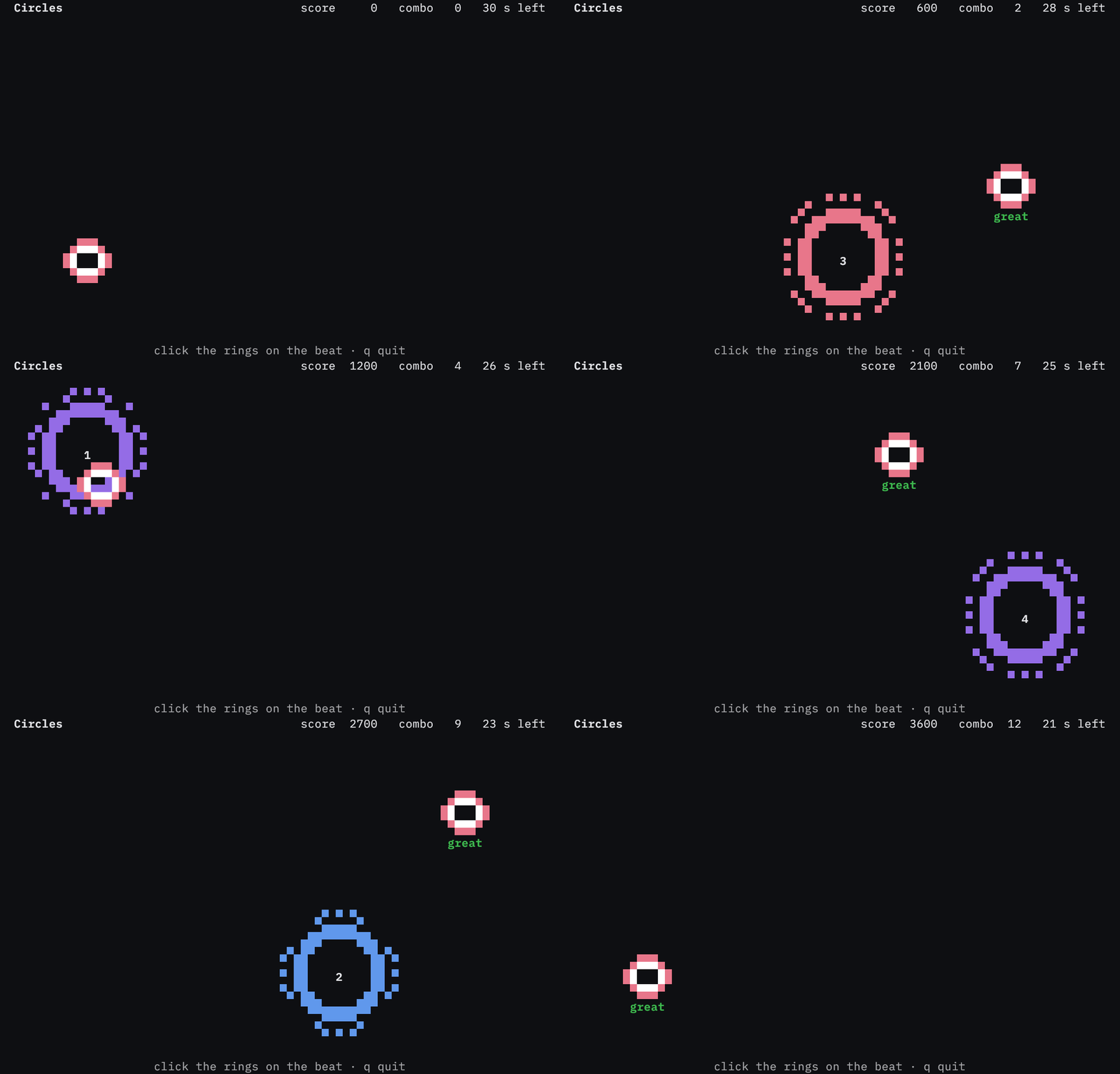
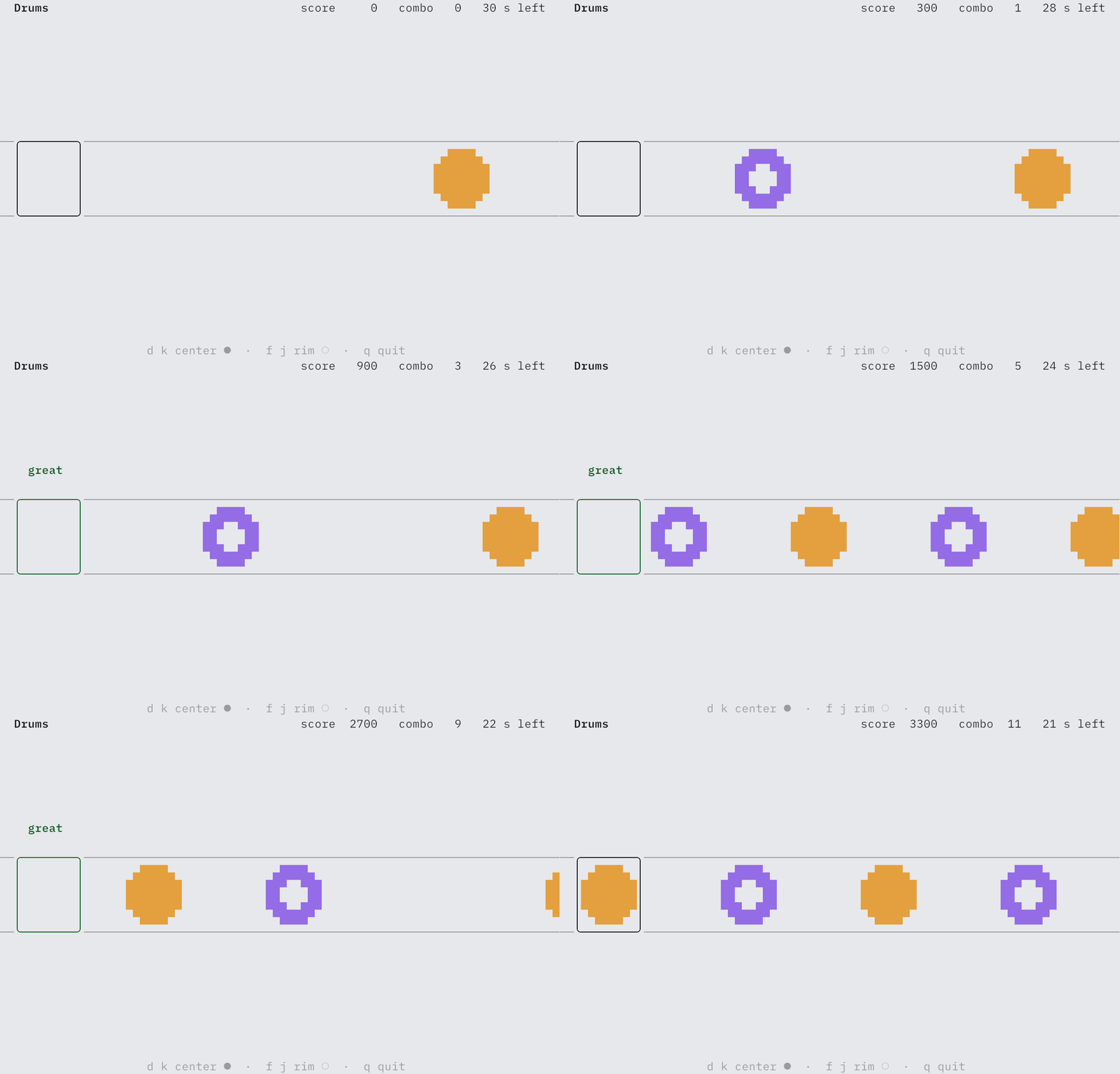
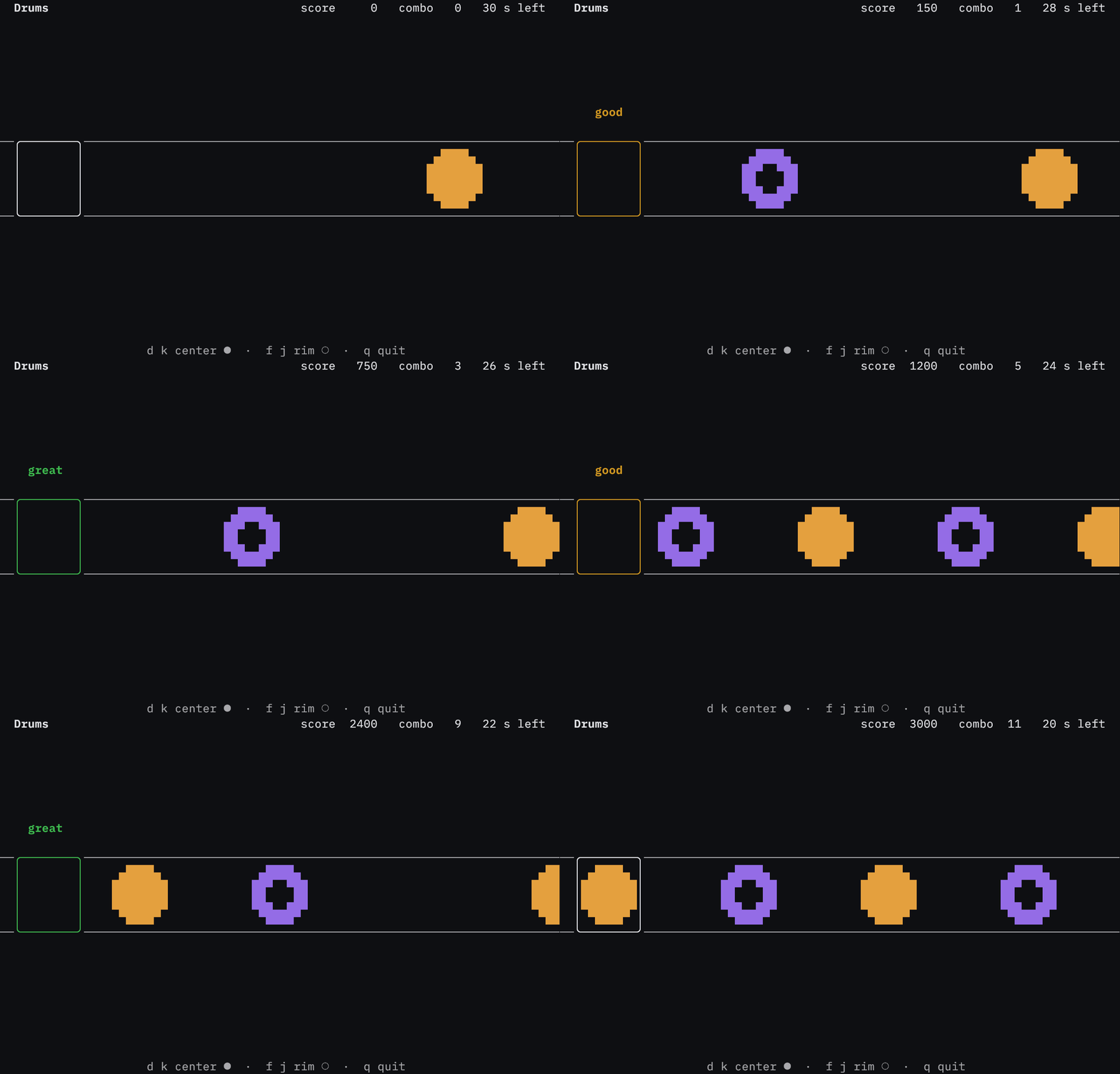
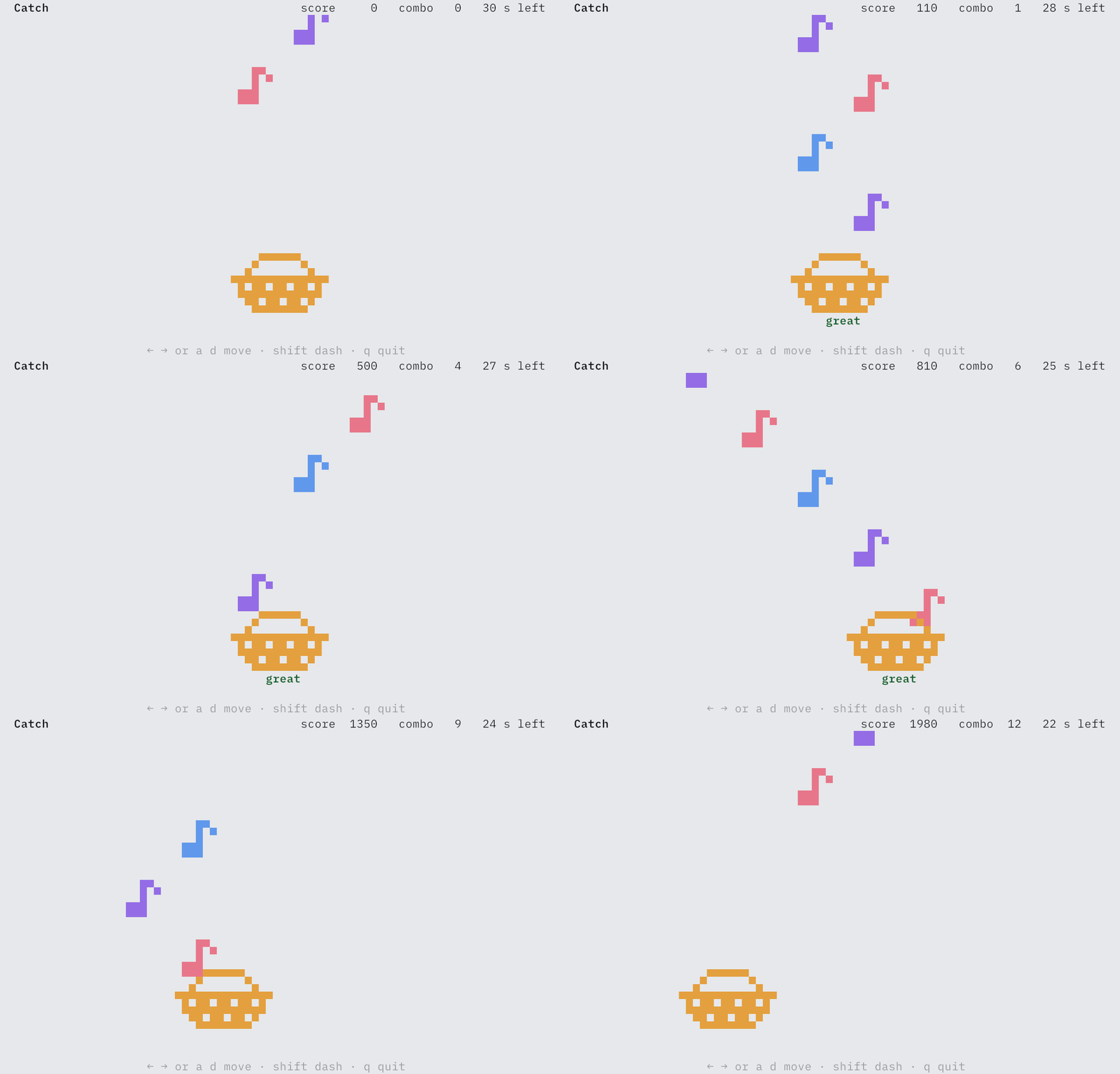
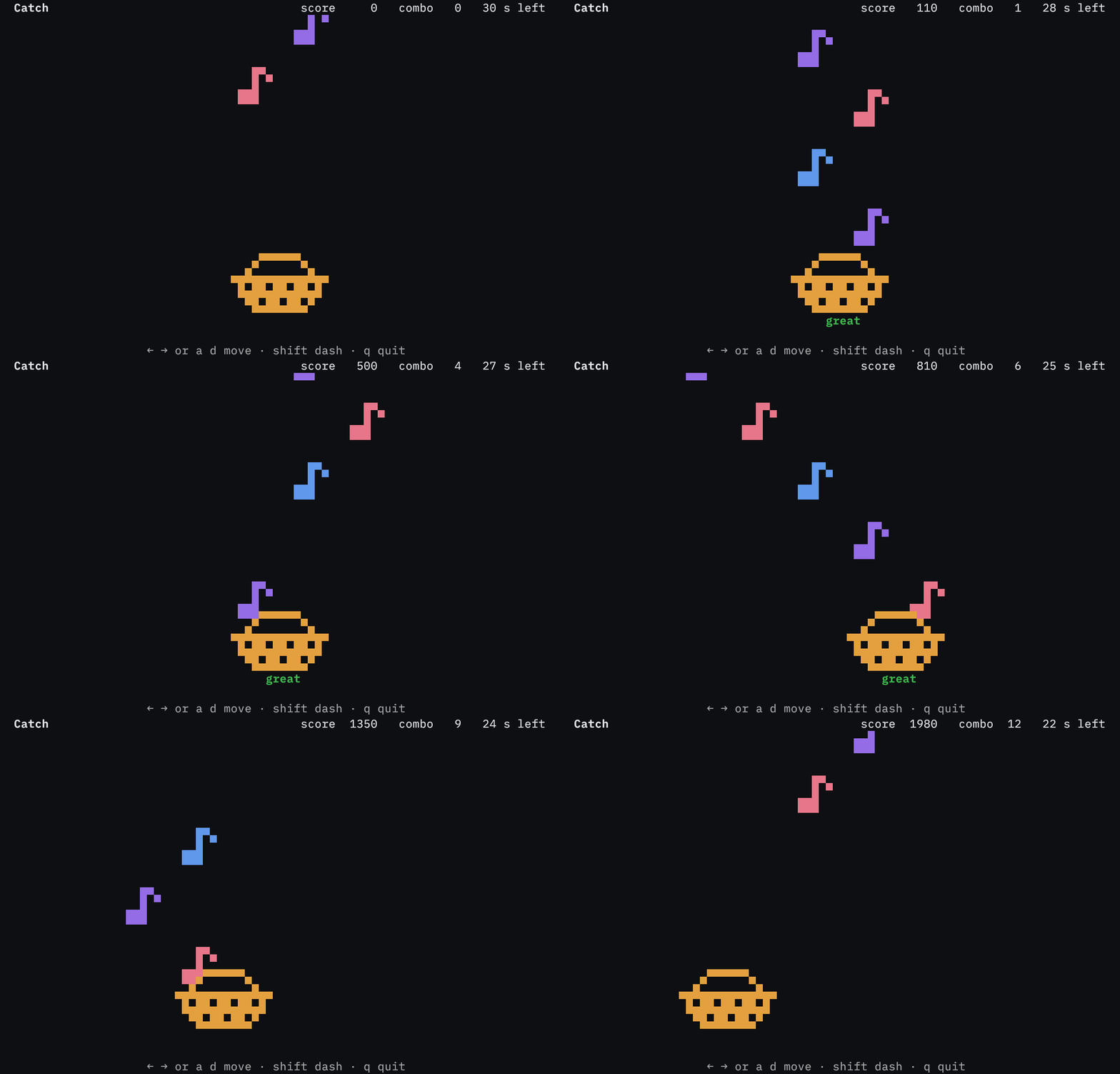
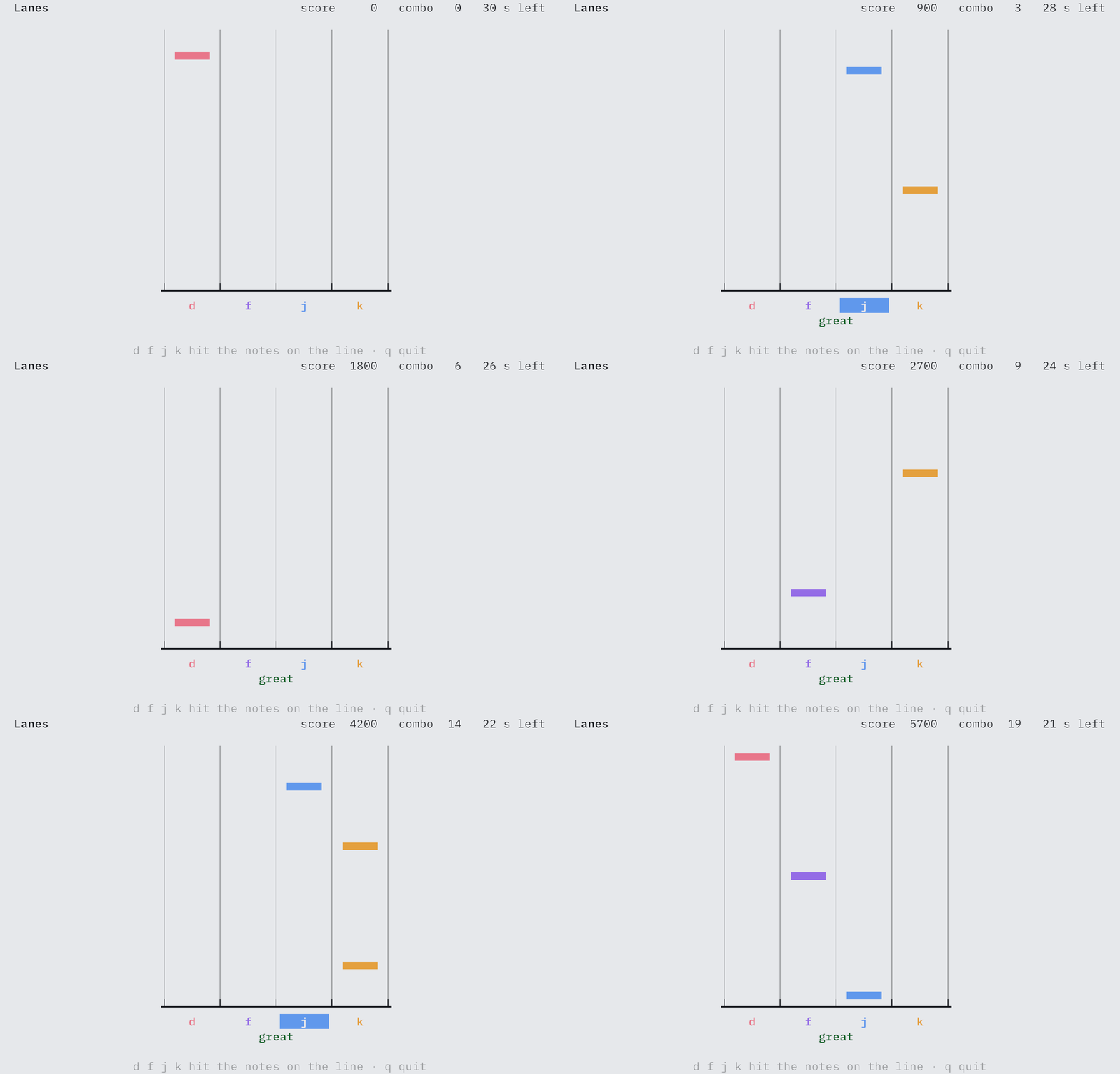
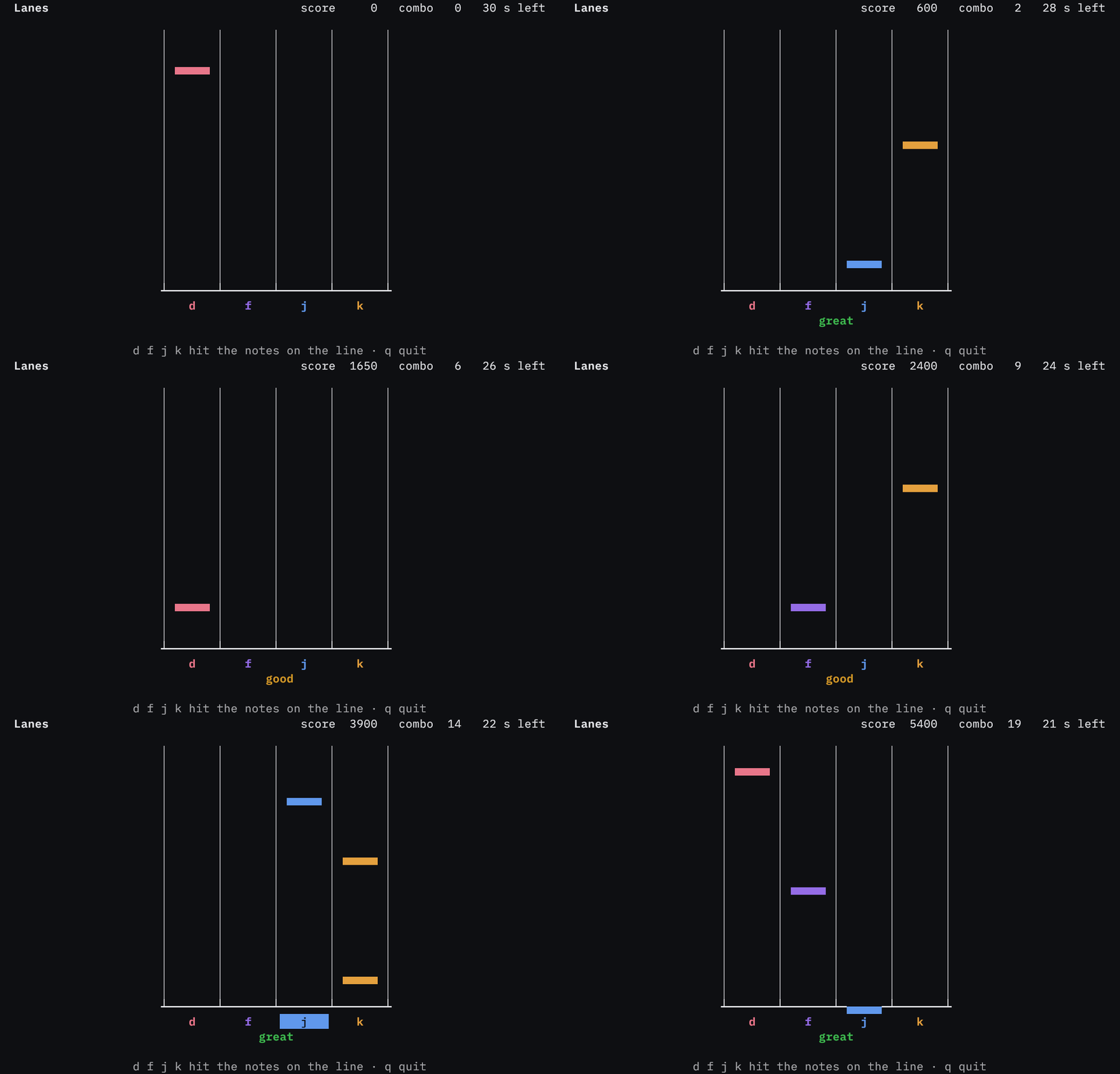
Four rhythm games. Each game is a program in examples/.
Each game keeps time with the clock of the canvas, reads the keyboard or the mouse, and plays its notes. Select a tab to watch a game.
A program you can change and run on this page.
A canvas from xnano.new() draws into memory, so it needs no terminal. This program writes a sparkline and a gauge on a canvas, then prints the frame. It runs the same way in a terminal.
import xnano
from xnano.styles import Style
from xnano.widgets import Gauge, Sparkline

requests = [3, 4, 6, 5, 7, 9, 8, 6, 7, 9, 10, 8, 6, 7] * 3
sparkline = Sparkline(requests, style=Style('cyan'))
gauge = Gauge(0.62, label='62% of 512 GB', gauge_style=Style('green'))

# a canvas draws in memory, so this runs in a terminal and in a browser
with xnano.new(width=44, height=7) as canvas:
    screen = canvas.screen
    screen.write('xnano', bold=True, foreground='magenta')
    screen.write('● online', x='right', y=0, foreground='green')
    screen.write(
        sparkline, width='100%', height=4, border='rounded', title='requests'
    )
    screen.write(gauge, width='100%', y='bottom')
print(screen.render(format='ansi'))- Learn Install xnano, write a first program, then take each part of the library in turn. /learn
- API Reference Every module, class and function, generated from the source. /api-reference
- Examples A program for each feature, recorded in a real terminal. github.com/hsaeed3/xnano
- Legacy v1 Guides for the grid and field API of xnano 1. /v1