Images & Pixel Art
xnano draws pictures in the cells of the terminal. There are two kinds:
- Pixel art is text in your code. The core package includes it.
- Pictures come from files. To load a file, you need the
imageextra. See Installation.
Pixel art
xnano.pixel_art() draws rows of text, with one character for each pixel. The
palette gives the color of each character. A character that is not in the
palette, for example ., is transparent.
import xnano

heart = xnano.pixel_art(
    """
    .RR.RR.
    RRRRRRR
    RRRRRRR
    .RRRRR.
    ..RRR..
    ...R...
    """,
    palette={'R': '#e03050'},
)

with xnano.new(width=20, height=4) as canvas:
    canvas.write(heart, x='center')
    print(canvas.render(format='ansi'))


canvas.write() is the same as canvas.screen.write(), and canvas.render()
is the same as canvas.screen.render().
Each cell holds two pixels, one above the other. Thus, this heart of 7 by 6 pixels uses 7 columns and 3 rows. Pixel art is a value, as a string is. Make it one time, then write it as many times and in as many positions as necessary.
A palette can also be one string of character=color pairs. This form is short
and easy to read for small pictures:
import xnano

ship = xnano.pixel_art(
    """
    ...W...
    ..WBW..
    .WBBBW.
    WWBBBWW
    W.R.R.W
    """,
    palette='W=white B=#5a85ff R=#e8768a',
)

with xnano.new(width=20, height=3) as canvas:
    canvas.write(ship)
    print(canvas.render(format='ansi'))


encoding='braille' puts two by four pixels in each cell, in one color. Use it
for thin lines and small details, as in a drawing.
Pictures
xnano.load_image() reads PNG, JPEG, GIF, WebP and XNI files. Its width and
height take a number of cells or a percentage. If you give only one of the
two, the other keeps the proportions of the picture. You write a picture on the
screen in the same way as other content.
import xnano

with xnano.open() as terminal:
    picture = xnano.load_image('photo.png', width='100%')
    terminal.write(picture)
    terminal.run(stop_on='q')
If you give the size as a percentage, xnano changes the size of the picture
when the window changes size. An animated GIF or WebP picture plays on the clock
of the canvas. If you pause the clock, the animation stops until you start the
clock again. speed=2.0 plays the animation two times faster.
Print without a canvas
xnano.region() draws content in cells without a canvas, and you can print the
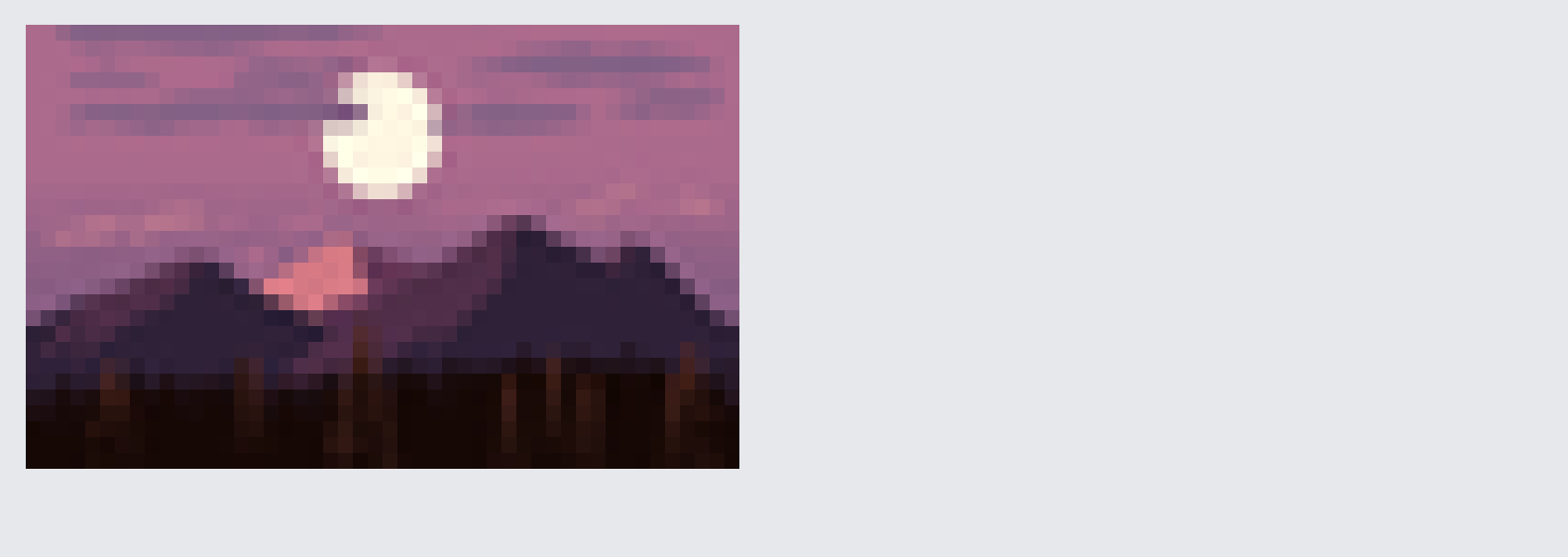
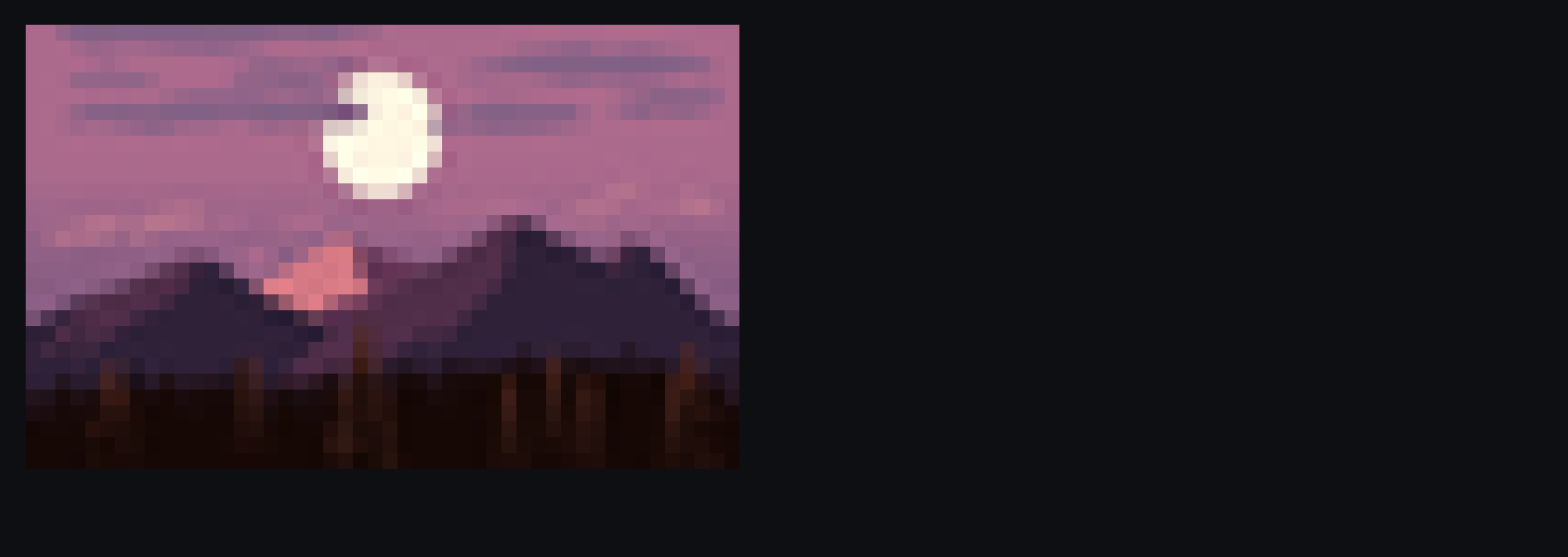
result. This example uses the picture that xnano includes. It runs on each
computer that has the image extra:
import pathlib

import xnano

path = pathlib.Path(xnano.__file__).parent / 'assets' / 'dusk.png'
picture = xnano.load_image(path, width=48)
print(xnano.region(picture).render(format='ansi'))
The xnano.art reference gives more information:
- cameras that show a part of a large pixel world
- single pixels
- how xnano fits a picture into its area.